
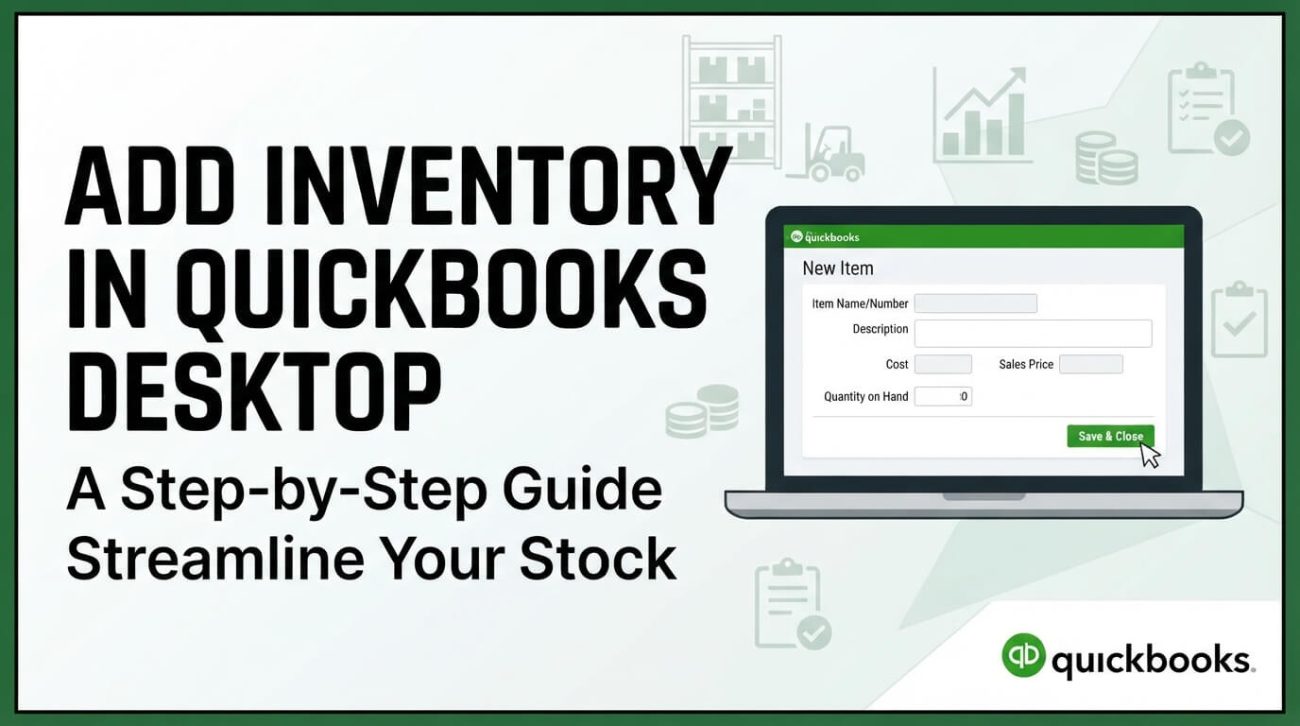
Inventory setup requires accurate item records, accounts and quantities. These general principles help organizations preparing to enter inventory in QuickBooks Desktop or Enterprise.
Define your inventory records
Collect item names or SKUs, units of measure, purchase costs, sales prices, reorder thresholds and initial quantities. Establish a consistent naming convention, and confirm how tax, inventory asset and cost-of-goods-sold accounts should be used.
Review company settings before import
Inventory behavior depends on edition and enabled features. Confirm that the required preferences and appropriate permissions are configured before creating items. If importing large item lists, first test the procedure in a copy or backup of the company file.
Verify opening balances
Opening quantities and valuation dates affect financial reporting. Coordinate with your accountant, and reconcile the resulting inventory valuation and stock-on-hand reports against source records.
Enterprise considerations
Enterprise Platinum may offer Advanced Inventory capabilities under the applicable license entitlement. Confirm feature activation, integration requirements and user permissions before relying on advanced warehouse workflows.
Explore our current Enterprise Platinum license
One year, up to 30 users, $1,900 USD. One-time prepaid checkout, with digital license delivery within 24 hours after confirmed payment; no automatic renewal. Need more than 30 users? Request an individual quote.
View the current product · See the order page · Request a quote